

Most pet hotels are sitting on a surprising amount of sensitive data and don't realize it. Not just names and phone numbers — you're holding home addresses, alarm codes for house-visit clients, credit card tokens, vet records, medication schedules, emergency contacts, sometimes even garage codes and "the spare key is under the third flowerpot" notes. That's a real liability, and almost nobody treats it that way until something goes wrong.
The problem isn't that owners don't care. It's that "data privacy" gets explained in legalese so dense that nobody actually operationalizes it. You end up with a privacy policy on your website that no staff member has read, and a shared front-desk login that seven people use.
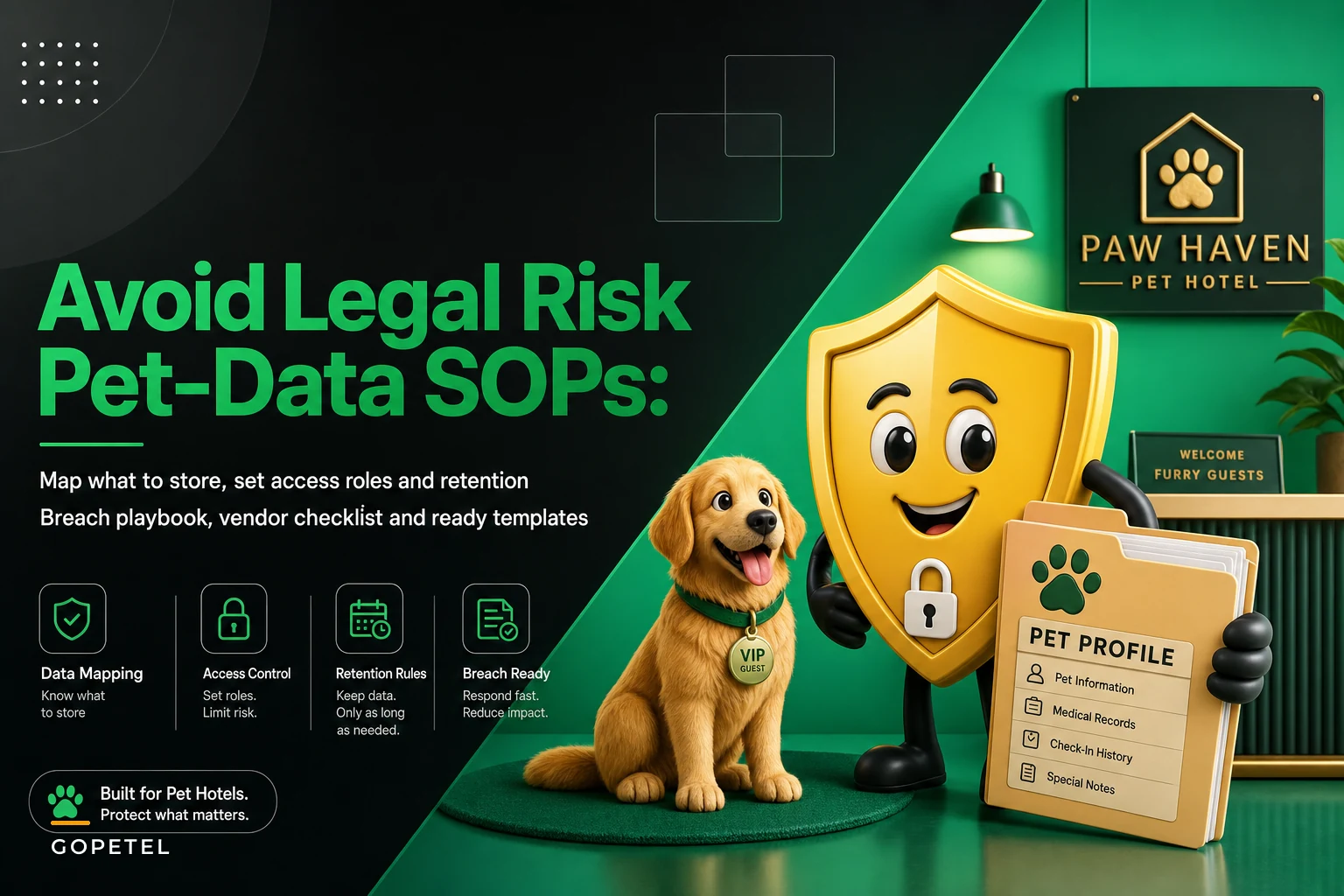
So skip the legal theory. This is a field guide to mapping what you actually hold, deciding who can touch it, how long you keep it, and what you do the day something leaks.
Start by mapping what you actually have (most owners guess wrong)
Before you can protect data, you need to know where it lives. This is where nearly every facility underestimates the sprawl. Ask an owner where client data is stored and they'll say "our booking software." Then you dig and find it in nine other places.
A typical pet hotel's data footprint looks something like this:
| Data type | Where it usually lives | Sensitivity | Common leak point |
|---|---|---|---|
| Client contact + address | Booking system, old spreadsheets, staff phones | Medium | Texted between staff |
| Payment info / card tokens | Payment processor, sometimes written on intake forms | High | Paper intake forms in a drawer |
| Home access details (keys, alarm codes) | Sticky notes, booking notes field, group chat | Critical | Group chat / WhatsApp |
| Vet + medical records | Email attachments, printed folders | High | Unsecured email inbox |
| Emergency contacts | Booking system, waiver PDFs | Medium | Old exported CSVs |
| Vaccination docs | Email, photos on staff phones | Medium | Staff personal phones |
| Incident reports / photos | Camera roll, messaging apps, email | High | Never deleted, lives forever |
The pattern that keeps showing up: the most sensitive data — home access details, medical info — ends up stored in the least secure places, because that's where the operational urgency is. The receptionist needs an alarm code right now for a house-visit team, so it gets dropped in a text thread that then lives on five phones indefinitely.
Your first job is a data map. Spend an afternoon listing every place client data touches — booking software, payment processor, email, shared drives, paper forms, staff phones, that Google Sheet from 2021 nobody deleted. You can't build access rules around data you don't know exists.
Access roles: stop sharing one login
The shared front-desk account is the mistake that quietly creates the most risk. Everyone logs in as "reception," so when something goes wrong, you have no idea who viewed, changed, or exported what. No audit trail, no accountability. If a disgruntled employee walks out with your client list, you can't even prove it happened.
Never miss a booking or detail again.
GoPetel simplifies pet hotel operations by managing every reservation and pet profile seamlessly.
- Centralized booking management
- Automated client notifications
- Staff and kennel scheduling
No credit card required
Role-based access isn't complicated once you stop thinking about job titles and start thinking about what data each function actually needs to do its work.
-
Front desk / booking — client contact info, booking history, payment status (not full card numbers), vaccination status. No access to home access codes unless they handle house visits.
-
Kennel / care staff — pet name, medical notes, feeding and medication schedules, behavioral flags. No access to payment or full contact details.
-
House-visit team — home access details, but only for their assigned clients, and ideally only visible day-of.
-
Manager / owner — full access, including exports and role assignment.
-
Bookkeeper / accountant — payment and billing data only, no medical or access info.
The principle underneath all of this: each person sees the minimum they need to do their job, nothing more. If your groomer doesn't need a client's home alarm code, they shouldn't be able to see it. That's not distrust — it's shrinking the surface area of what can leak.
When strict roles are a bad idea
Small teams sometimes overcorrect and lock things down so hard that a single sick staff member causes a work stoppage because nobody else can access a booking. If you're a three-person operation, five granular roles is overkill and will just get bypassed. Start with two or three roles and tighten as you grow. Over-engineering access control on a tiny team almost always ends with everyone sharing the admin login again — the exact thing you were trying to avoid.
Retention schedules — the part everyone ignores
Most facilities keep everything forever. Every intake form, every incident photo, every exported spreadsheet from three booking systems ago. This feels safe. It's actually the opposite. Every record you keep is a record that can be breached, subpoenaed, or leaked. Data you've properly deleted can't hurt you.
The trick is aligning retention to why you're keeping something. You keep incident-related data longer because it ties to liability windows. You keep routine booking data shorter because it stops being useful fast.
-
Routine booking / contact data — keep active while the client is active, purge or anonymize after around 24 months of inactivity.
-
Payment records — follow your accountant's guidance and local tax rules. Typically several years for the transaction record, but purge stored card details immediately once a stay closes and let your processor hold the token.
-
Vaccination / medical docs — keep for the duration of the relationship plus a buffer; refresh rather than stockpile old versions.
-
Incident reports and related photos — this one needs care. Align it to your incident and claim workflow, not a random date. If an incident could surface as a claim, that record needs to survive the full liability window.
-
Home access details — the shortest lifespan of anything you hold. Delete alarm codes and key locations the moment a house-visit engagement ends. There is no reason to keep a client's garage code six months after their last booking.
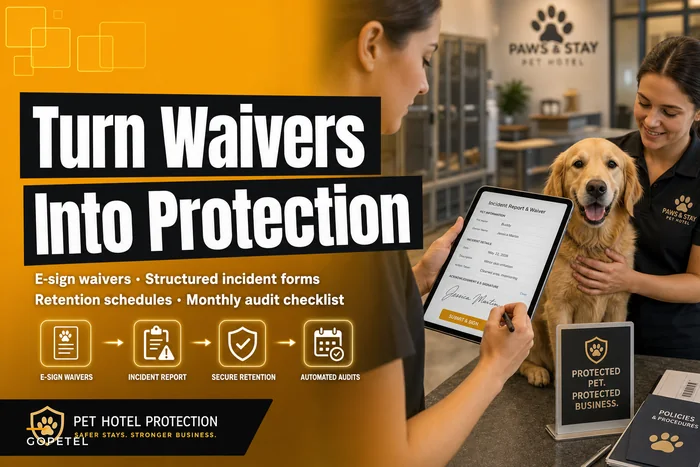
Retention only works when it's tied to the workflows that generate the data. Incident records especially — the whole point of documentation is that it protects you when something is disputed. If you're building or tightening that side, the approach in Turn waivers into protection: an incident-reporting, e-sign and retention workflow for pet hotels pairs directly with the schedule above, because your retention timing should match how long an incident stays legally live.
The breach playbook (write it before you need it)
The worst time to figure out your response is at 9pm when a staffer messages "uh, I think I sent the client spreadsheet to the wrong email." Panic drives bad decisions. A one-page playbook removes the panic.
A breach doesn't have to be a dramatic hack. In real operations, it's almost always mundane:
-
An intake email forwarded to the wrong client
-
A former employee still in the group chat with all the access codes
-
A laptop with exported client data left in a car
-
A booking export emailed to a personal Gmail "to work from home"
WORKFLOW: Breach response steps
Identify potential breach ↓ Contain it immediately (reset password / remove access / revoke login) ↓ Scope the exposure (what data, how many clients, how sensitive) ↓ Log everything (date, time, what happened, what was done) ↓ Notify affected clients + check legal notification requirements ↓ Fix the underlying process gap that allowed it
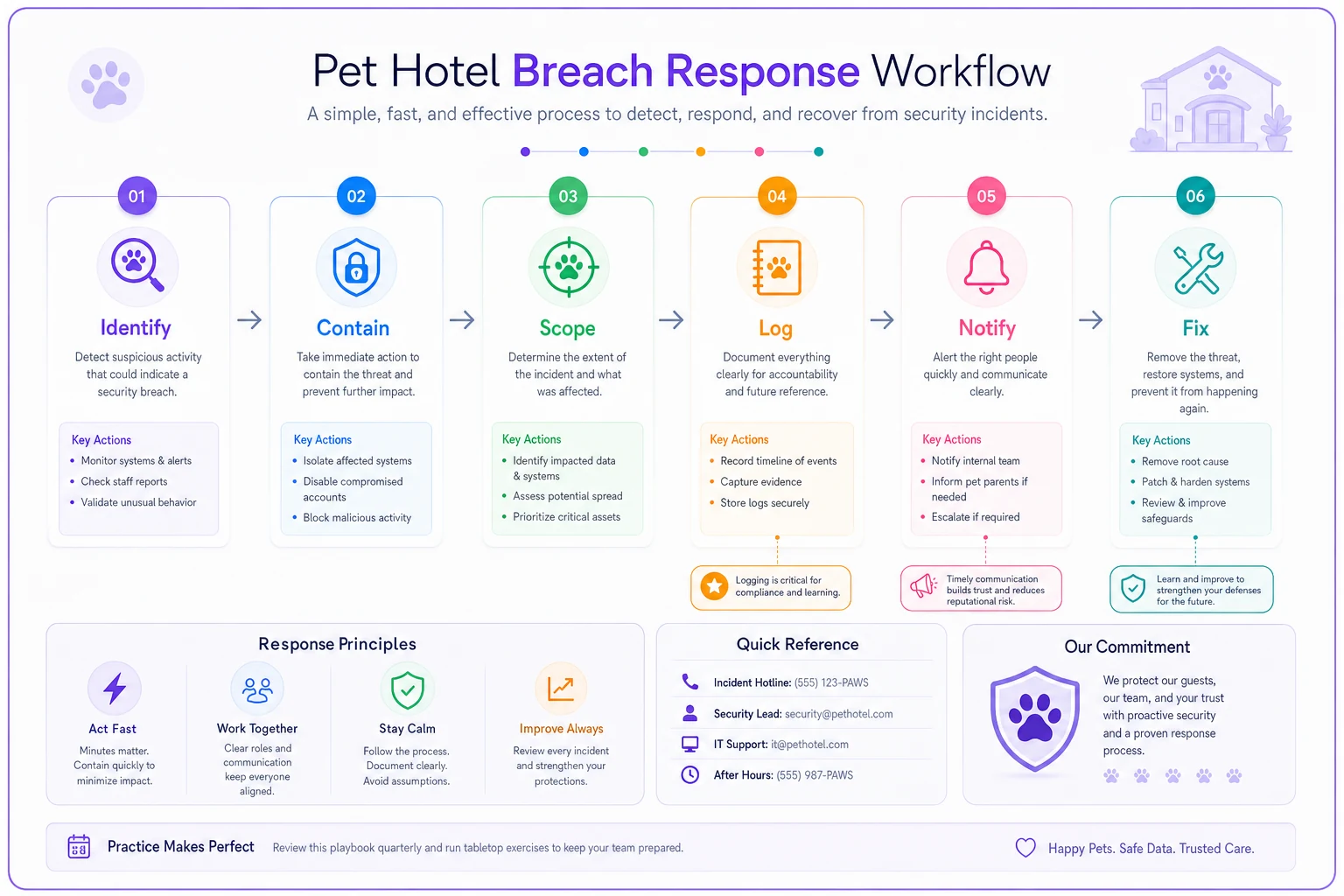
This flow is the quick sequence your team should run through when you suspect a breach.
-
Contain it. Stop the bleeding first. Reset the password, remove the person from the group, recall the email if possible, disable the compromised login. The first hour matters most.
-
Scope it. Write down exactly what data was exposed, how many clients, and how sensitive. "One client's phone number" and "300 clients' home alarm codes" are wildly different situations requiring different responses.
-
Log it. Date, time, what happened, who was involved, what you did. This log matters if there are later questions.
-
Notify. Check what your local laws and your insurer require. Many jurisdictions have breach-notification rules with tight timelines. Notify affected clients honestly and promptly if their sensitive data was exposed — especially payment or home access data.
-
Fix the hole. The forwarded-to-wrong-address breach means you need address confirmation before sending. The ex-employee-in-the-group-chat breach means you need an offboarding checklist. Every breach should change a process.
Assign the playbook to a specific role, not a specific person. If your "breach coordinator" quits, whoever fills the role inherits the responsibility.
Vendor assessment — you're only as safe as your weakest tool
Your data privacy isn't just about your own house. It's about every vendor holding your client data: your booking software, payment processor, email provider, camera system, the marketing tool you connected two years ago and forgot about.
The uncomfortable pattern is the abandoned integration. A facility connects a review-request tool or an old email marketing platform, stops using it, but never revokes access. That dead integration still has a live pipe into your client list and is now maintained by nobody.
-
Do they encrypt data at rest and in transit?
-
Where is the data physically stored, and under what jurisdiction's rules?
-
Can you export and delete your data on demand?
-
Do they offer role-based access on their end?
-
What's their own breach-notification commitment to you?
-
Is this integration still actually being used? If not — cut it today.
-
Who at your facility owns the relationship with this vendor?
Run this once a year. Kill any connection you're not using. Every vendor with access is a door into your data, and the doors you've forgotten about are the ones that get left unlocked.
If an integration isn't actively used, revoke its access immediately rather than leaving it connected "just in case."
Every vendor with access is a door into your data, and the doors you've forgotten about are the ones that get left unlocked.
A real scenario
A mid-size boarding facility — roughly 40 kennels, with a growing house-visit operation — ran everything through a single shared front-desk login and a staff WhatsApp group where alarm codes and gate codes got dropped daily. When a part-time staffer left on bad terms, nobody removed them from the group chat for nearly three weeks. That's somewhere around 25–30 clients' home access details sitting on a former employee's phone, with no way to know what happened to them.
Nothing catastrophic came of it, which is the only reason it became a wake-up call instead of a lawsuit. They rebuilt: individual logins with three roles, home access codes moved out of the group chat and into day-of-only visibility, a firm rule to delete access details when an engagement ends, and an offboarding checklist that revokes everything the same day someone leaves.
The measurable change wasn't dramatic in revenue terms — it rarely is with this stuff. What changed was risk exposure. They went from "we have no idea who can see what" to a clean audit trail. The first time a client asked "who has access to my alarm code?", they had an actual answer. That matters a lot more than it sounds the day something actually does go wrong.
When to build this out vs. keep it simple
If you're a small single-site operation with a handful of staff and no house-visit service, you don't need enterprise-grade controls. Individual logins, a short retention rule, and a one-page breach plan — that's most of the protection for very little effort.
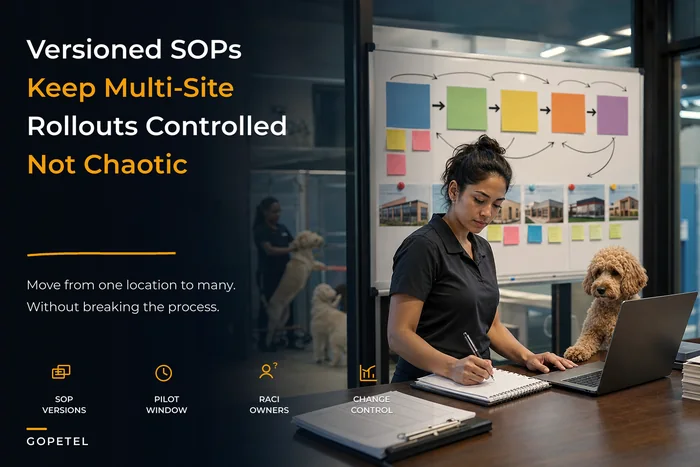
The moment you start handling home access details, running multiple sites, or connecting third-party tools, the stakes climb fast. Multi-site especially — data privacy rules and access roles need to stay consistent across locations, which is its own coordination problem. If you're at that stage, the versioning discipline in From single site to multi-site: an SOP versioning playbook for pet hotels applies directly to keeping privacy roles and retention schedules identical across every location instead of drifting into five different setups.
Where the right operational software earns its keep is in quietly enforcing the boring stuff: role-based access so people only see what they need, automatic retention that purges old records on schedule instead of relying on someone remembering, and audit logs so a "who accessed this" question actually has an answer. You can run all of this manually — plenty of facilities do — but the manual version depends on discipline that erodes the moment things get busy.
Bottom line
Pet hotel data privacy isn't a legal document you file and forget. It's an operational habit: know what you hold, control who touches it, keep it only as long as it's useful, and know exactly what you'll do the day something leaks.
Build the data map, split the shared login, set retention to match your incident timelines, write the one-page breach playbook, and audit your vendors once a year. None of it requires a lawyer or a policy binder nobody reads. It requires treating your clients' data — their addresses, their alarm codes, their pets' medications — with the same care you'd want for your own. Do that operationally, and the legal side mostly takes care of itself.
Build the data map, split the shared login, set retention to match your incident timelines, write the one-page breach playbook, and audit your vendors once a year. None of it requires a lawyer or a policy binder nobody reads. It requires treating your clients' data — their addresses, their alarm codes, their pets' medications — with the same care you'd want for your own. Do that operationally, and the legal side mostly takes care of itself.
Ready to optimize your pet hotel operations?
Join hundreds of pet hotels using GoPetel to save time, improve pet care, and increase booking reliability.